How to revert back to the old alert sound on iPhone
Submitted by Fred Straker on
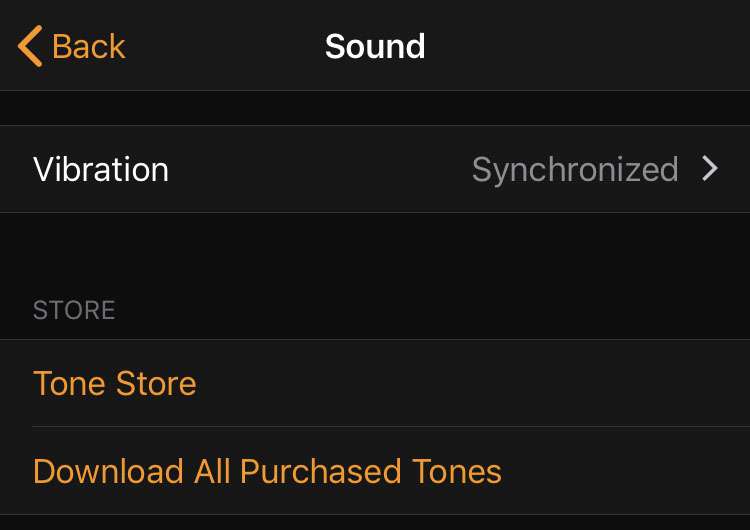
With the launch of iOS 17.2, Apple has introduced settings making it possible to customize the default alert tone for iPhone notifications. This is especially useful for those who are not fans of the new Rebound tone, which replaced the familiar Tri-tone starting with iOS 17.