Horizontal lines on iPhone 14 not hardware related
Submitted by Frank Macey on
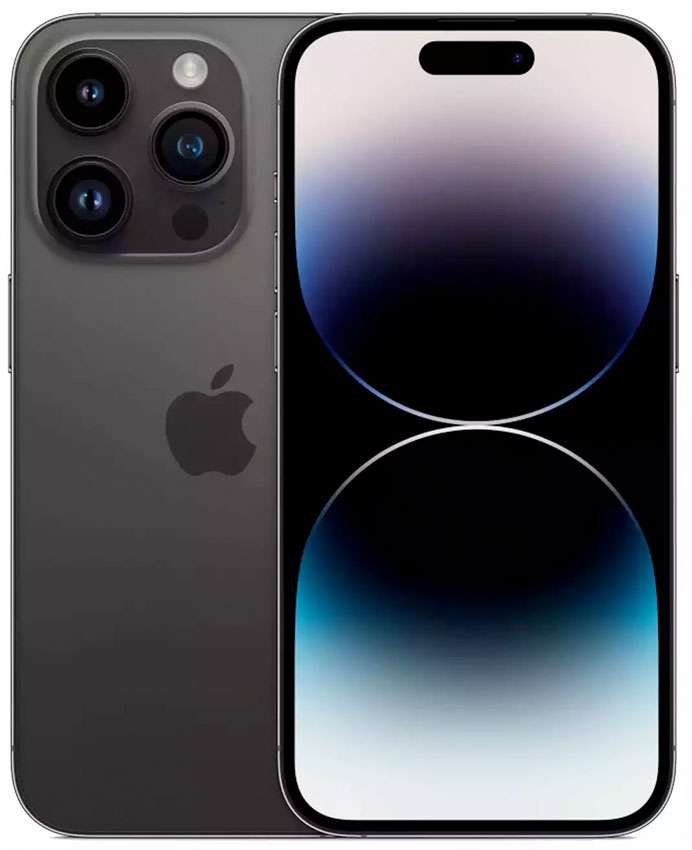
Good news for iPhone 14 owners experiencing a strange display issue. The glitch, which appears as horizontal lines on the screen has been reported by iPhone 14 owners when waking their devices. The issue can also happen when booting up an iPhone 14. Strangely, the horizontal lines shape, size, and number is not consistent from iPhone to iPhone.
While the lines flash up on the display, they disappear quickly. Most cases of the issue look to be happening on the iPhone 14 Pro Max.