Tips

How to use Tap to Wake on iPhone

Tap to Wake iPhone

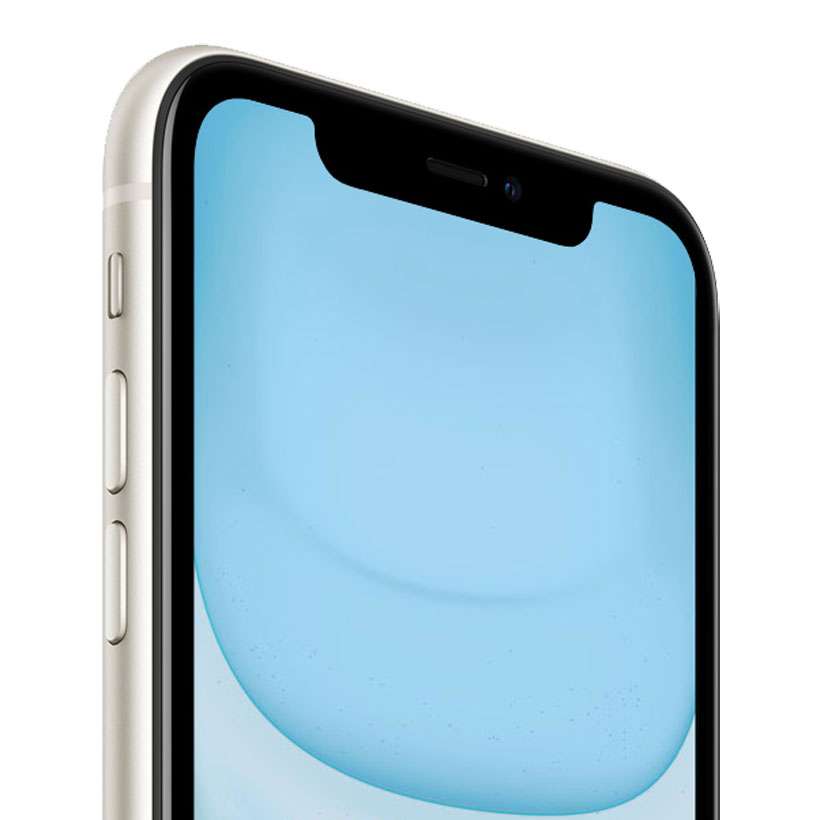
iPhone owners can set up Tap to Wake on their devices to easily glance at the time, or see pending notifications on the lock screen. In sleep mode, the iPhone display goes dark to save battery. Picking up the iPhone and unlocking to catch up on messages and alerts takes time and is likely to kick up your Screen Time totals for the week. With Tap to Wake you can quickly check up on lock screen notifications without opening the home screen.
How to use Back Tap gestures on iPhone

iPhone 11 Back Tap

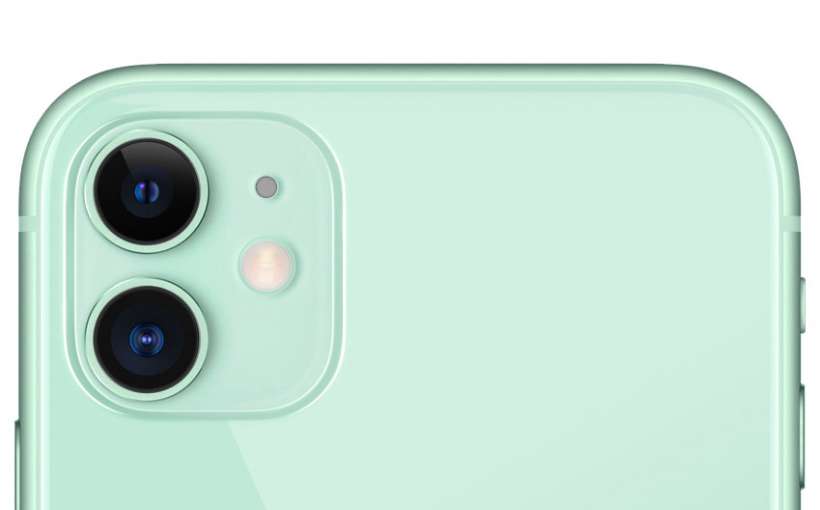
Back Tap makes it possible to perform a variety of system actions by tapping the back of the iPhone case. Actions can be assigned to a double-tap or triple-tap, meaning that up to two actions can be configured at a time. For example, double-tapping the back of your iPhone can scroll, capture a screenshot, change the volume, or even launch a Shortcut. Back Tap also provides options to launch various Accessibility features.

How to use Sound Recognition on iPhone

Sound Recognition iOS

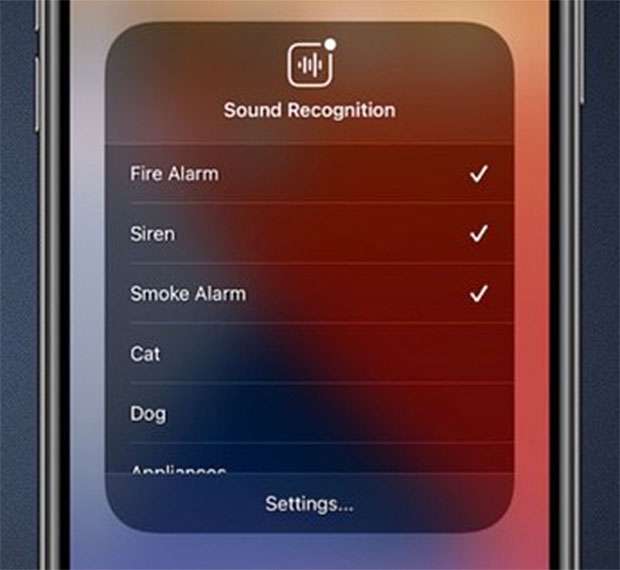
Sound Recognition makes it possible to receive notifications when a particular sound is detected by a nearby iPhone. Sounds such as a fire alarm, baby crying, door bell, or water running are listened for by the iPhone and recognized by on-device analysis. Depending on which sounds are selected, Sound Recognition can be helpful for hearing difficulties or for those in particular situations like using headphones.

    Follow these steps to set up Sound Recognition on iPhone:

How to disable eye correction on FaceTime

FaceTime iOS

FaceTime has helped bring video calling into the mainstream. While video chats are convenient for call participants, they can still encounter awkward moments. Apple has tried to correct one of the main problems with FaceTime in the release of iOS 14. Eye contact correction automatically remaps the direction of your pupils during a FaceTime call, giving all callers the appearance of making direct eye contact with each other.

Apple offers 10% bonus on Apple ID funds

BONUS

For a limited time, Apple is offering a 10 percent bonus for adding funds to an Apple ID. When funds are added to your balance, this money can be used across Apple's online stores and services. For example, subscriptions to Apple TV+, Apple Arcade, or Apple Music can be paid from an Apple ID balance. Also included are purchases from the App Store, iTunes Store, Apple Books, and more.

Pages

Subscribe to RSS - Tips