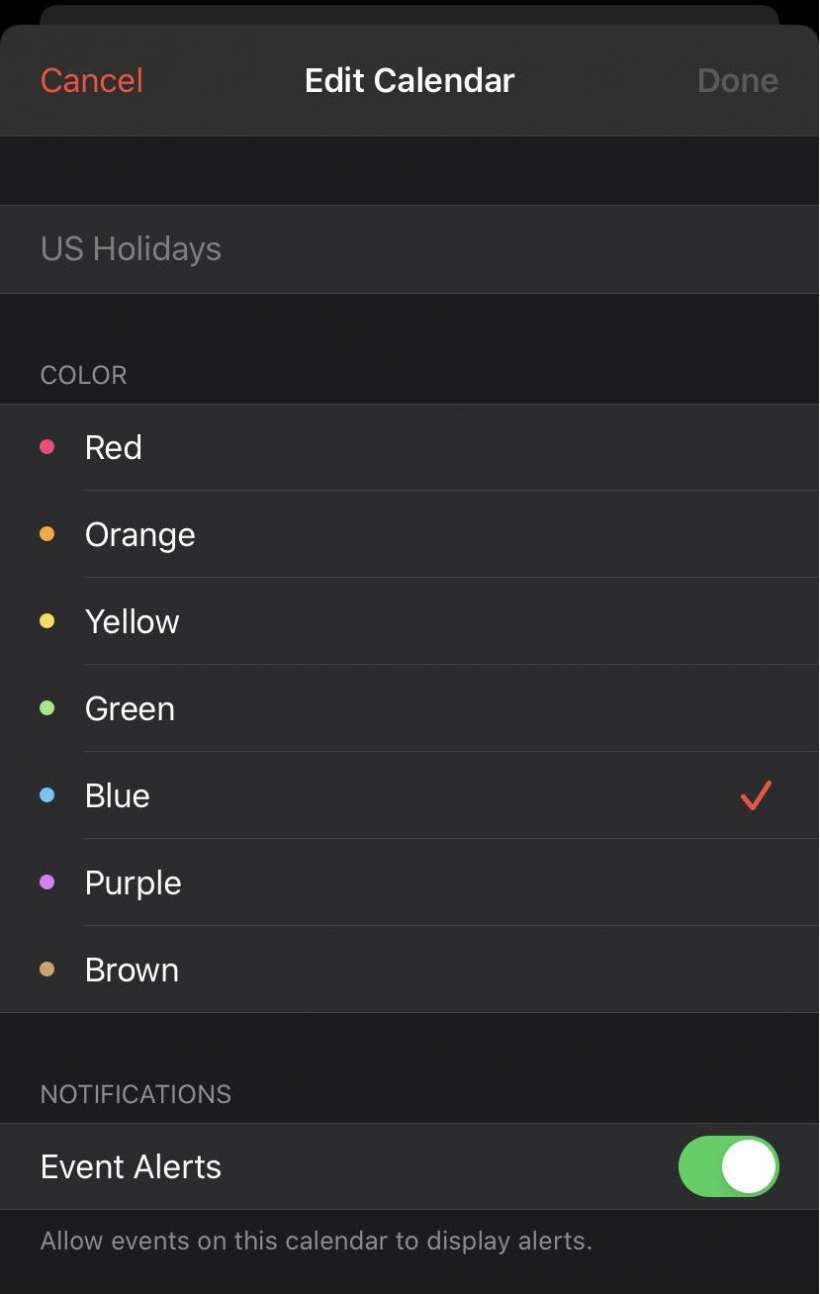
How to color code your iOS Calendar
Submitted by Marshall Walker on
Submitted by Marshall Walker on
Submitted by Fred Straker on
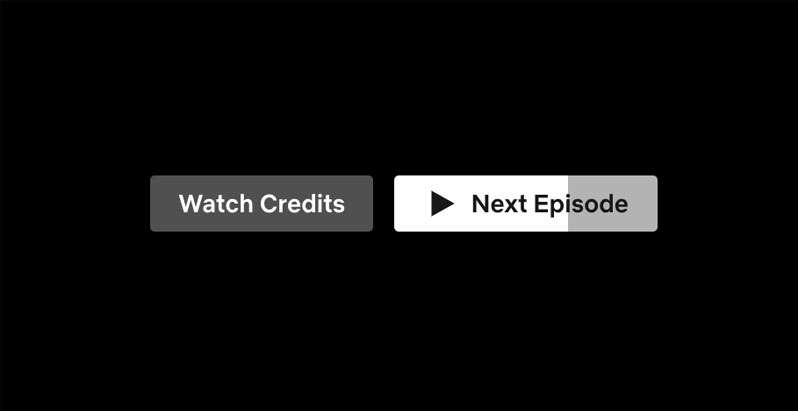
Netflix and chill takes on a whole new meaning when binge watching. Plowing through a whole series in days seems to be the whole point of the service's auto-play feature. Netflix automatically starts the next episode of the current series, often before the credits are even finished rolling. There's only a few seconds in which to abort the next episode. Once it's started, it's already too late.
Submitted by Frank Macey on
Siri continues to learn new tricks on the iPhone, iPad, and iPod touch. Not too long ago, Siri was unable to access any Settings or deliver some categories of information. Now Siri can find a saved password on your device in seconds. Safari and app passwords can be saved, which saves the effort of remembering and typing in a password when signing in to sites. Auto-fill can automatically enter the right password at the right time.
Submitted by Fred Straker on
Losing an afternoon to a good Netflix series can be easy, especially since the streaming service grabs your attention with video previews while browsing. Netflix automatically starts playing previews for many titles, before they are selected for more information. While some subscribers like this feature, there are others who find it distracting. Recently, Netflix added the option to switch off autoplay previews for each profile in an account.
Submitted by Frank Macey on
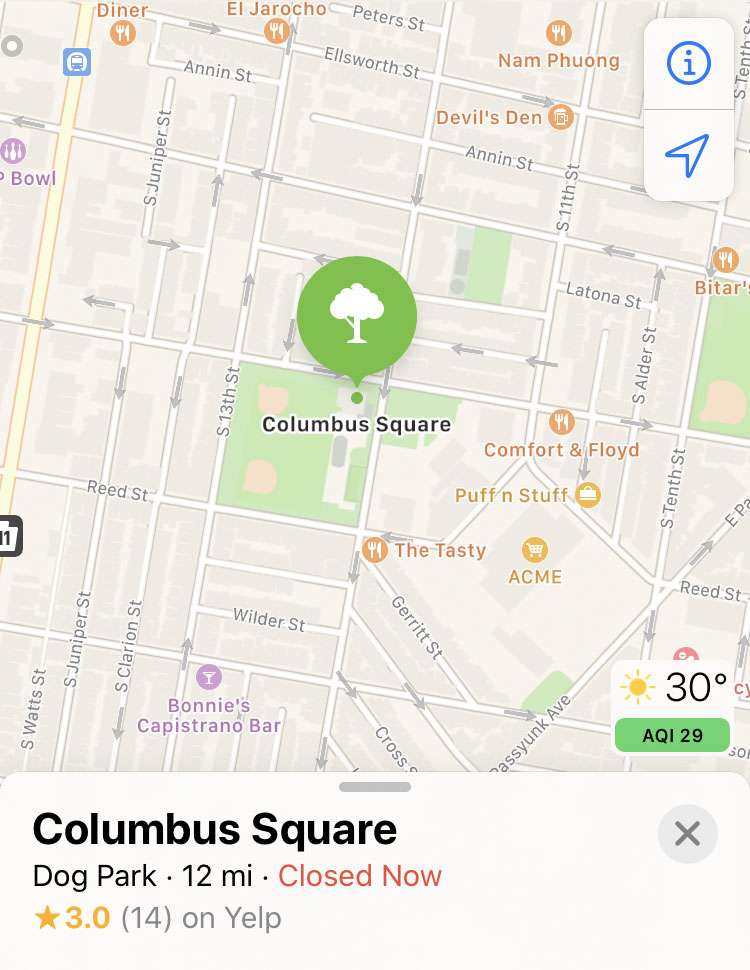
Apple devices can use GPS, Bluetooth, cell towers, and Wi-Fi hotspots to determine your location. The iPhone periodically sends location data back to Apple, in an anonymous and encrypted form. This data is used to improve location-based services on everyone's devices, such as displaying real-time traffic or suggesting popular locations. Many apps can use location data in the background, and iOS will periodically notify users when this data is being collected.
