How to swap or remove an iPhone SIM card

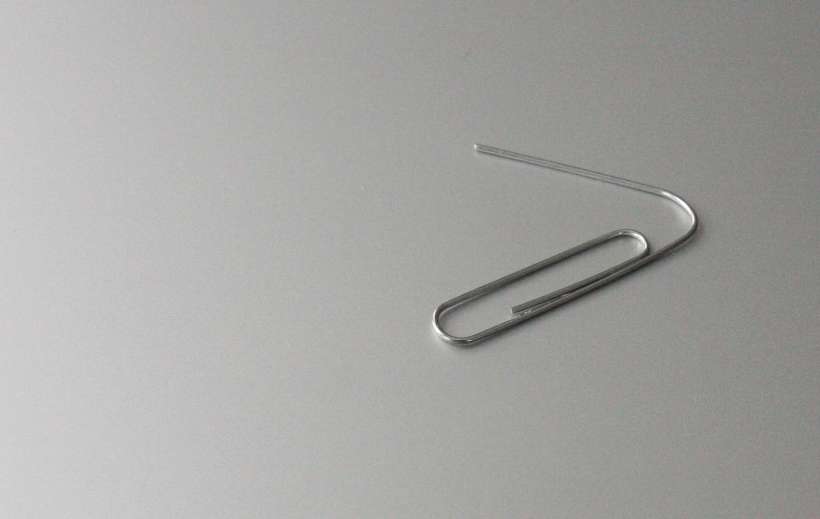
paper clip

Most of the time iPhone owners forget there's a SIM card inside their devices. But when it becomes necessary to switch SIM cards, such as while traveling, Apple has made it simple to access. Older devices, namely the original iPhone, iPhone 3G and iPhone 3GS have SIM cards located on the top. Every other iPhone's SIM card is placed on the right hand side of the device.
How to manage Safari AutoFill data on iPhone

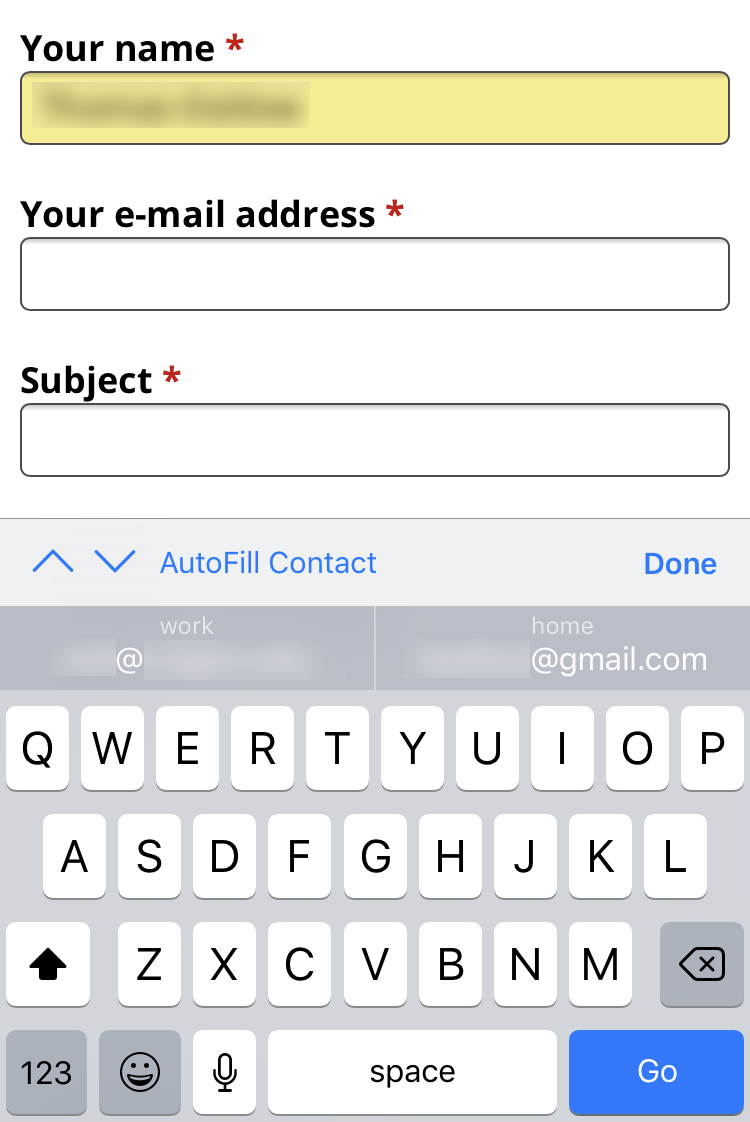
AutoFill Safari iPhone

Apple device owners now enjoy a full-featured AutoFill when typing into forms on Safari. What iOS users may not know is there's a way to control what information is used by AutoFill. Control of AutoFill data can change what is automatically populated in Safari forms on the iPhone, iPad and iPod touch. Follow these steps to access AutoFill settings on your device:

How to delete your dating profile: Tinder, Bumble and more

Tinder

Whether you have been taken off the market or you just want to get ahead of the next boycott hashtag, here's how to delete your profile from several popular dating apps. Remember, deleting an app from your iPhone or iPad does not cancel or remove your personal profile. It just removes the app from your device. Your profile will still be shown to other people if you do not take the time to properly cancel your account.

Most dating apps offer a pause option if you do not want to permanently remove your information. Selecting the pause option typically removes your profile from public view allowing you to take a break from dating. You can then easily reactivate your account when you're ready to start dating again.

Pages

Subscribe to The iPhone FAQ RSS