Foxconn Struggles to Match iPhone 6 Demand
Submitted by Jon Reed on
If you didn't already preorder the iPhone 6 or 6 Plus, you may be waiting longer than a week if you order it now. Despite record output, Foxconn has been unable to keep up with the enormous demand for Apple's new flagship phone.
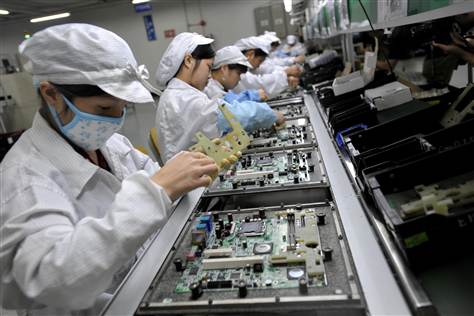
According to The Wall Street Journal, the manufacturing giant's main site in Zhengzhou, China, has over 200,000 workers on around 100 production lines that operate around the clock. According to a source there, "[the site has] been churning out 140,000 iPhone 6 Plus and 400,000 iPhone 6 every day, the highest daily output ever, but the volume is still not enough to meet the preorders."