How to change your Apple Watch passcode and restore content
Submitted by Anders Batten on
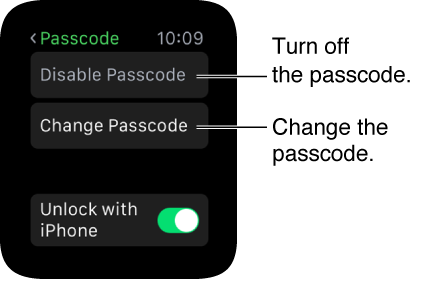
There is a lot you need to know about your Apple Watch passcode, but first lets go over the basics. Powering on your Apple Watch is a lot like your iPhone, just press and hold the side button until the Apple logo appears and wait until you see the Apple Watch face. To power down your Watch just press and hold the side button and drag the slider to the right.
tags: