Tips

How to update iPhone apps in one quick step

App Store update purchased

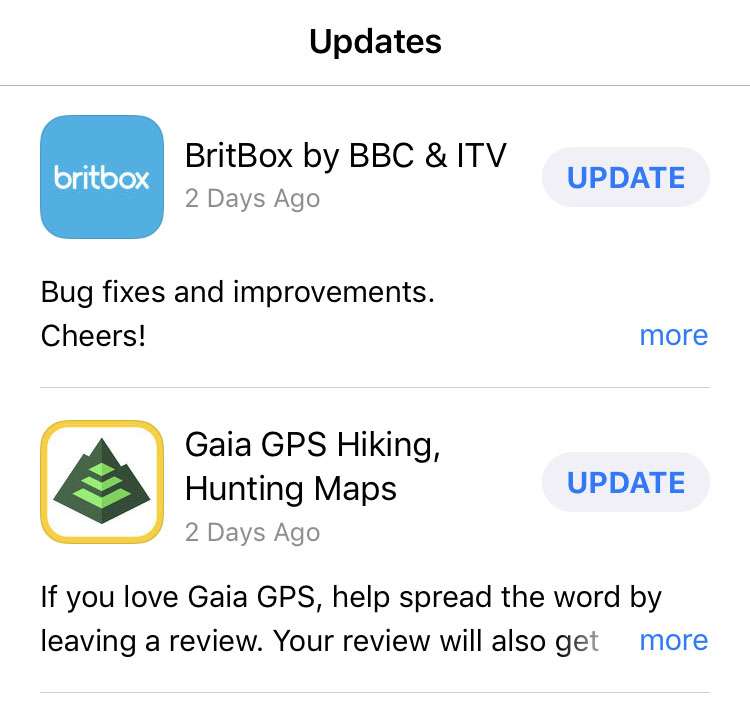
For iPhone, Pad, and iPod touch owners with many apps installed, it seems there's a never ending stream of updates pushed by developers. Most of these updates come in the form of minor bug fixes and improvements, with a constant nagging red notification bubble on the App Store icon. Just opening the App Store to see what's available under the Updates tab takes up valuable time.
How to delete messages in Gmail with a swipe

Delete Gmail

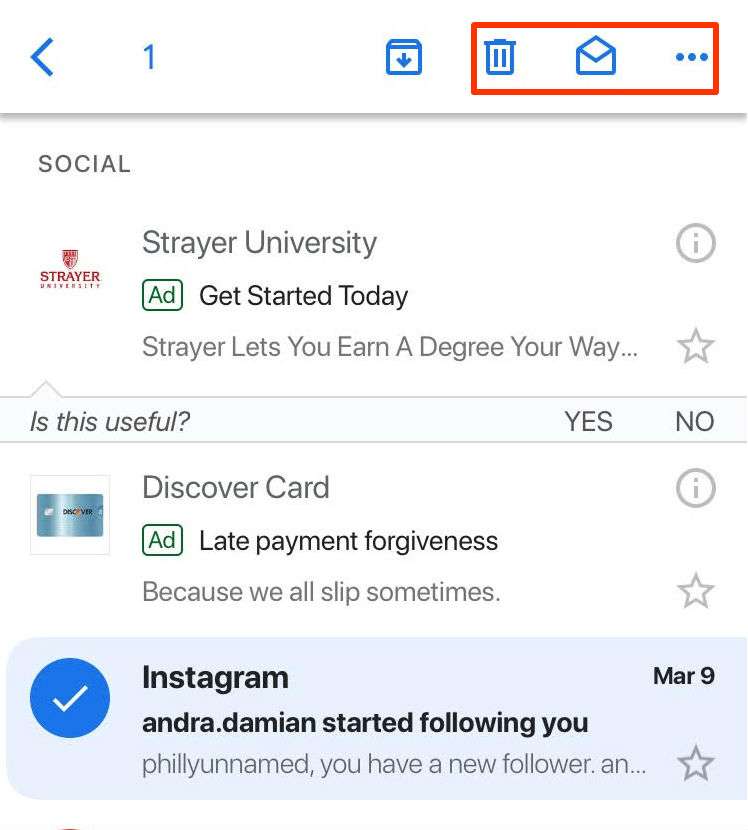
Swiping on a message in the Gmail app does not send that message to the Trash like one would assume, instead swiping on a message sends it to your "archives." It is a counterintuitive feature Google has built into the Gmail app. To delete a message you must individually open that, or you can perform a long press to open a toolbar with the trash can icon. Swiping left or right on an email to quickly send it to the trash seems like such a much more natural way to delete a message, and you can, but first you must reconfigure your Gmail to stop archiving your messages. Here's how:

tags: 

How to change your Gmail signature

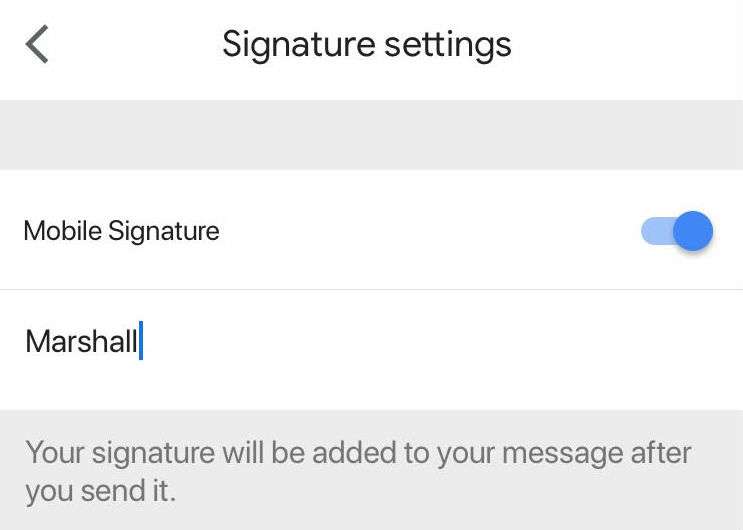
Gmail offers a lot of interesting features such as Smart Replies, Undo Send and more, but it can be a bit confusing at times. Sometimes features work across different platforms and sometimes they don't. If you set up a personal signature on your laptop it will not appear in emails within the app and vice versa. You can also not see your signature while writing an email in the Gmail app, but you can on the desktop version. You will need to set up your signature separately within the app and at gmail.com if you want it to appear while switching platforms. Here's how:

Pages

Subscribe to RSS - Tips