Tips

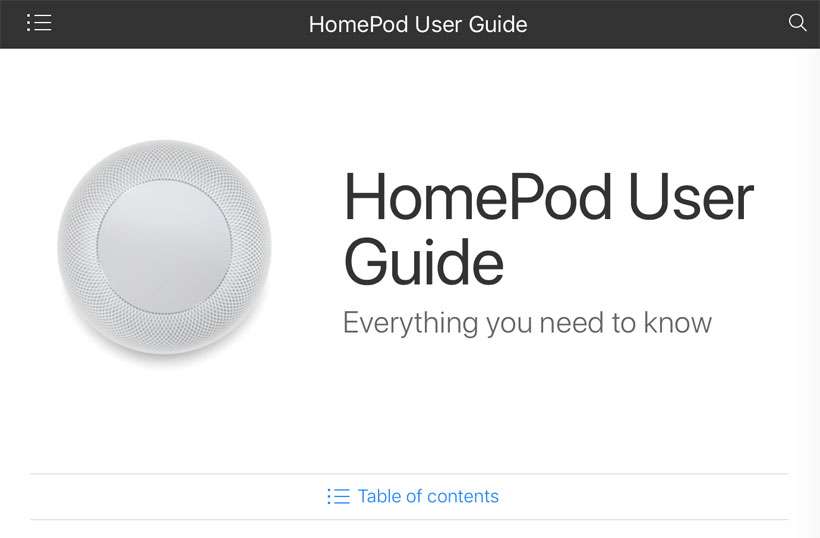
Where to find the official HomePod User Guide

HomePod User Guide

Despite the fact that Apple products are mostly intuitive and self-explanatory, it can still help to read the directions. For anyone looking to expand their knowledge of the HomePod and its many capabilities, the official User Guide from Apple is the definitive source of all things HomePod. You won't find the HomePod guide on iBooks, only on the web.

How to donate to American Red Cross with iTunes

iTunes American Red Cross

Sometimes when a major natural disaster strikes, Apple activates iTunes donations to make it easy for customers to help. This summer is no different, with Apple opening up American Red Cross donations to help those affected by the wildfires rampaging across the state of California. If you'd like to donate, iTunes will transfer 100 percent of your donation dollars directly to the Red Cross.

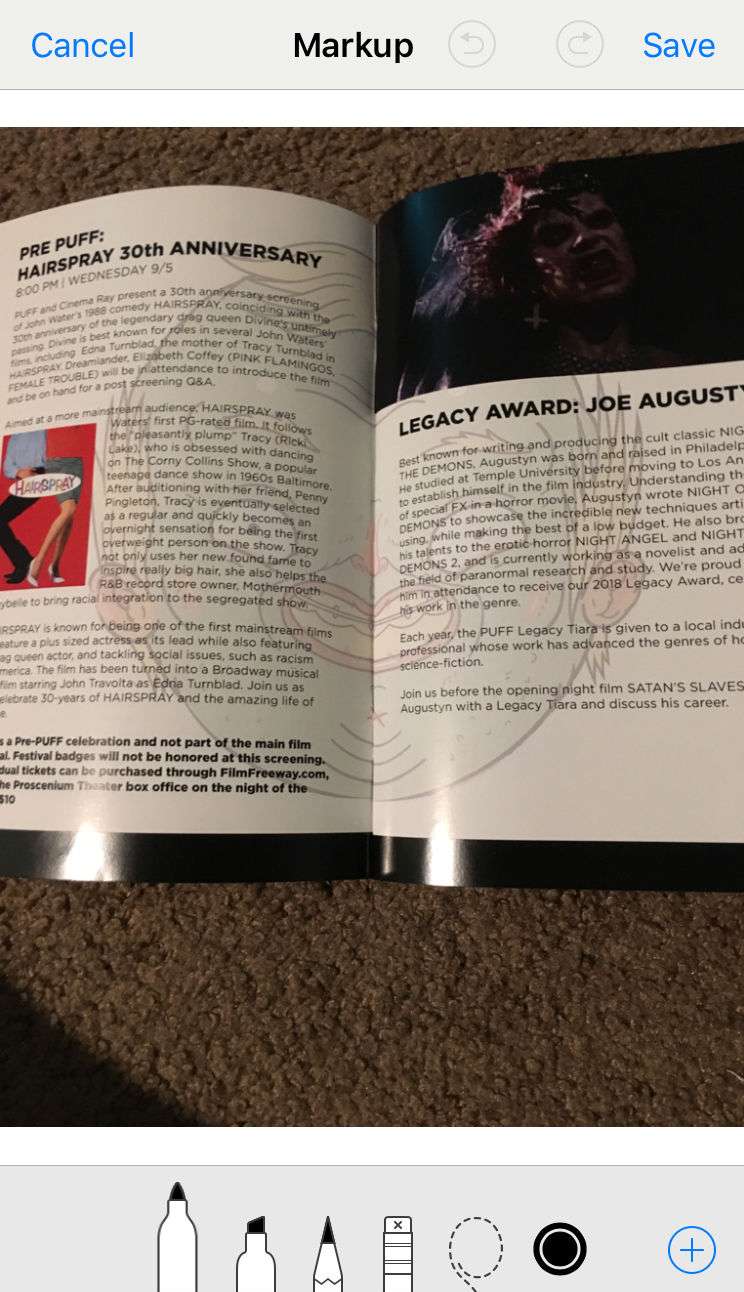
How to change the tip size of the iPhone markup tools

Markup

iOS 12 didn't deliver much on the side of features, but it did add the option to change the opacity and tip size of Apple's markup tools. In case you didn't know, your iPhone allows you to markup photos stored on your device. To do so you just need select a photo from the Photos app, then tap the Edit button, and finally tap the 3 dots in the bottom tool bar to bring up the Markup option.

tags: 

Pages

Subscribe to RSS - Tips