Tips

How to add iOS apps to Siri on your iPhone

iOS Siri

Siri has gained new powers since the introduction of iOS 10. iPhone owners can enjoy a variety of enhancements to the personal assistant. One such feature offers APIs for developers, making it possible for Siri to interact with any compatible third-party apps. But before you start asking Siri to hail an Uber, or send a PayPal payment, these apps must be installed on your device and manually added to Siri. While the process only takes a moment, it is necessary to get the most out of Siri on iOS 10.
How to turn on Dark Mode on Apple TV

Dark Mode Apple TV

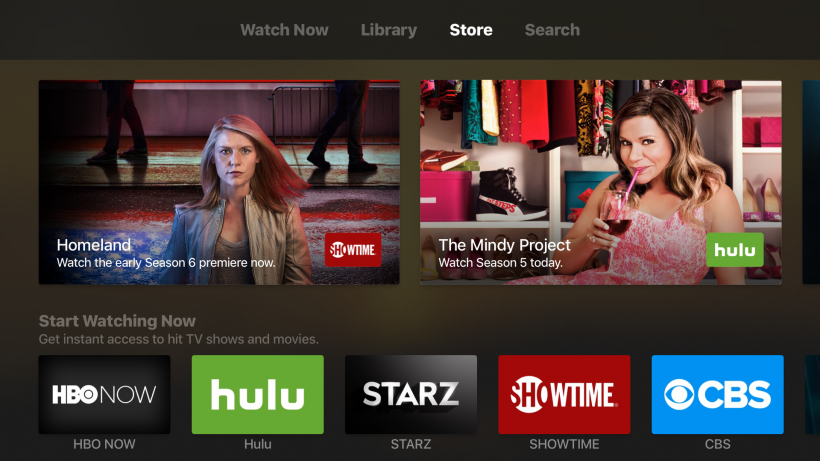
Apple introduced a more theatrical option for Apple TV owners in tvOS 10 called Dark Mode. Instead of the normal light grey interface, this provides a different flavor for night viewing or those who prefer this look. The color change affects tvOS throughout the system menus and within particular apps. Currently there is no way to make Dark Mode switch on automatically at sunset or a specific time.

How to stop Apple TV home button from opening the TV app

Apple TV Settings

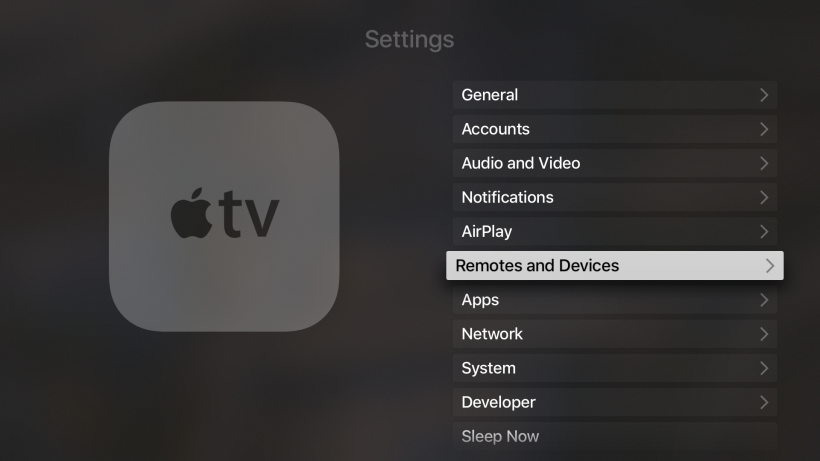
Noticed the home button on your Apple TV doesn't go to home anymore? Once updated to tvOS 10.1, the default behavior of the home button on Siri Remote changes automatically. Instead of returning to the home screen, the home button opens the TV app. Apple introduced the TV app to help unify all of the different streaming services and media libraries in one place.

How to block all unknown calls on iPhone

Only allow Contacts to call iPhone

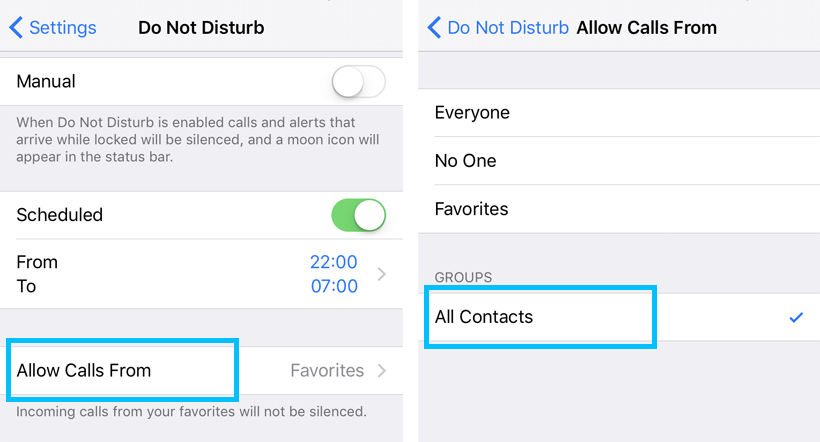
Blocking calls on the iPhone can increase privacy, reduce spam and offer peace and quiet when it's most needed. The iPhone has several features designed to help block undesired calls. One way to reduce annoyances is with the Do Not Disturb feature. Blocking an individual number can be convenient, but sometimes it's not enough. There's an easy way to block all calls that are not listed in your iPhone Contacts.

How to recycle your Apple Watch

Apple Renew

Now that the Apple Watch has been around for a while, damaged or obsolete Apple Watch units will make their way into the waste stream. The Apple Renew program offers a convenient way to properly dispose of discarded electronics, including the Apple Watch. Apple uses several different third-party e-waste recyclers to handle different products they have manufactured. While some Apple products can be recycled for a gift card, the Apple Watch does not qualify for any payment beyond free shipping.

Pages

Subscribe to RSS - Tips