Tips

How to see your Apple Music Replay

Apple Music Replay 2021

Apple Music offers a year-end summary of your top songs, artists, and albums. Spotify users may already be familiar with Spotify Wrapped, which delivers all kinds of fun facts about music listening during the year. On Apple Music the annual music review is called Replay.

See Apple Music Replay on iPhone

The Apple Music Replay is updated on Sundays throughout the year and shows the top 100 tracks you've played in a single playlist. To find your latest Replay follow these steps:

How to use tags with Reminders on iPhone

Reminders app tags

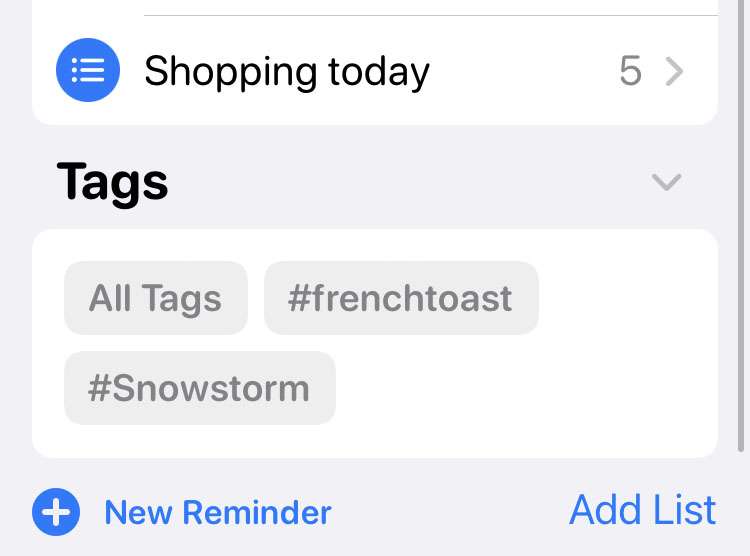
The stock Reminders app on iOS devices continues to get new features. Reminders makes it easy for iPhone and iPad owners to quickly make lists of tasks, items to buy, or just about anything that needs remembering. All of these reminders can be organized and filtered using tags in iOS 15 and later. Once tags are created, they appear in their own Tags section under My Lists.

Follow these steps to organize your Reminders with tags on iPhone:

How to turn off auto-fill on Safari

Safari icon iOS

Auto-fill can be convenient when filling out forms in the Safari web browser. Especially on the iPhone or iPad, when fumbling with credit cards or typing long addresses takes too much time. Fields will automatically be completed by iOS using stored contact information or saved credit cards. But there are times when the wrong information gets used, or when auto-fill gets in the way instead of helping.

How to get a free 3-month trial of Apple News+

Apple News Cyber Monday 2021

Apple's Black Friday event is ongoing, with free gift cards going to customers for buying eligible products. The company is also offering an extended free trial period for new users of the Apple News+ subscription service. Normally, the free trial is one month long. The latest promotion extends the Apple News+ free trial to a full three months with no charges.

How to start a private listening session on Spotify

Spotify

The social features of Spotify are designed to help users discover new music from friends and artists alike. Did you know that your followers can see what music you've been listening to? While some may enjoy sharing their latest listening habits, there can be times when more privacy is wanted. Spotify offers options to hide the activity in your public profile.

Pages

Subscribe to RSS - Tips