Tips

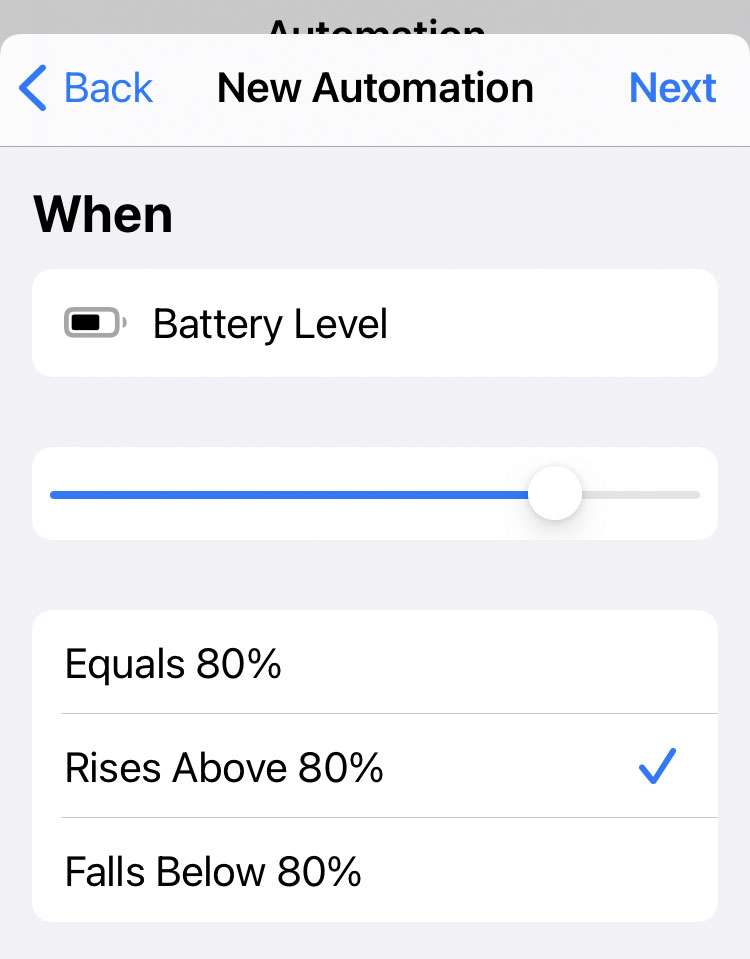
How to get an alert when iPhone is charged

Battery charged alert 3

Battery management features on iOS have improved greatly over the past few years. iPhones manage their own charging to optimize battery life, sometimes delaying a full charge based on usage patterns. The iPhone may display a battery percentage while charging, however there's no audible alert when charging has completed. For anyone interested in knowing exactly when their device has finished charging, Apple offers the Shortcuts app.
How to fix 'no sound' issues on iPhone 12 speaker

iPhone 12

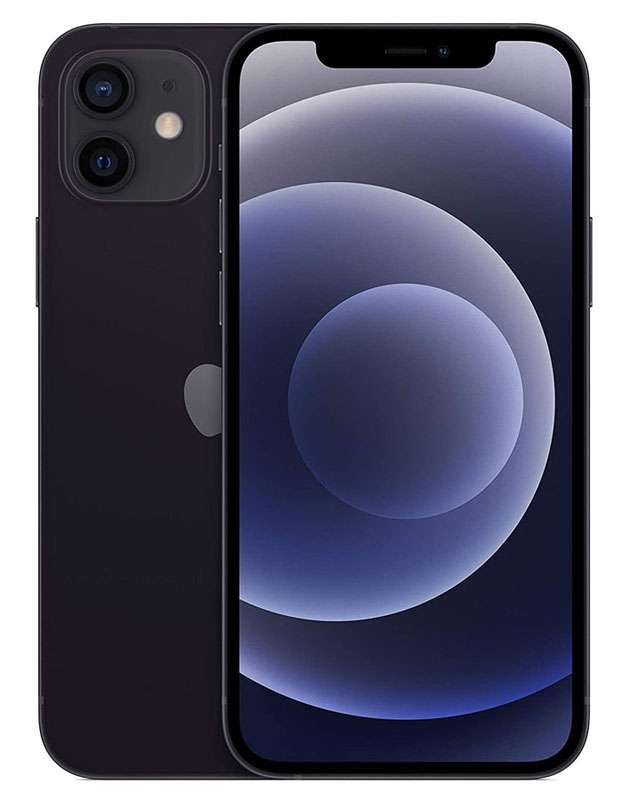
iPhone speaker suddenly not working? A small percentage of iPhone 12 and iPhone 12 Pro models may experience a receiver module failure, leading to sound not working during phone calls. These "no sound" issues are covered under a special service program launched by Apple this summer. iPhone Pro Max and iPhone mini models are not affected by the problem.

How to get the Ask Alexa widget on iPhone

Amazon Alexa widget

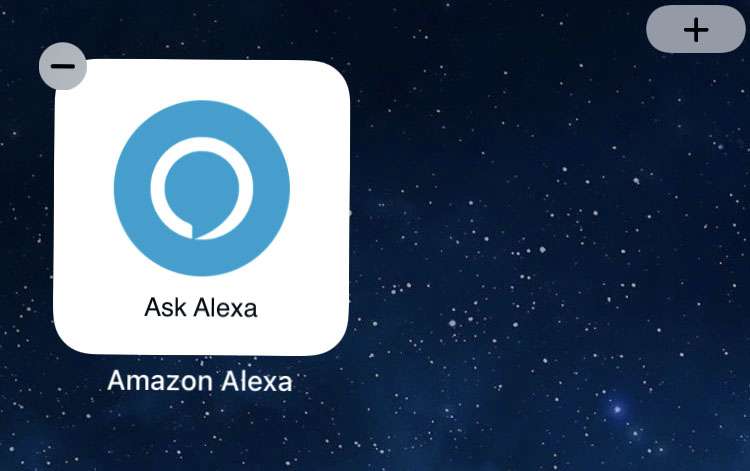
One-tap access to Amazon Alexa is possible thanks to iOS widgets. The personal voice assistant is available to iPhone owners via the Amazon Alexa app. Thanks to a recent update, the app offers its own home screen widget for iOS devices.

Controlling any Alexa-paired smart appliances at home can be accomplished with the Amazon Alexa app. Just like speaking to Alexa on a device such as an Amazon Echo, the app can deliver the weather, answer questions, and create reminders.

To get the Ask Alexa home screen widget on iPhone follow these steps:

How to add a vaccine passport to Wallet on iPhone

Apple Wallet

Vaccination cards are just paper and they aren't always the correct size to fit in a wallet. Some have taken photos or scans of their card to store in the iPhone Photos app. This is the simplest way to keep a copy of your vaccination card with you at all times. For more convenience and better verification, there is a way to add proof of vaccination to your Wallet app.

How to use separation alerts on iPhone

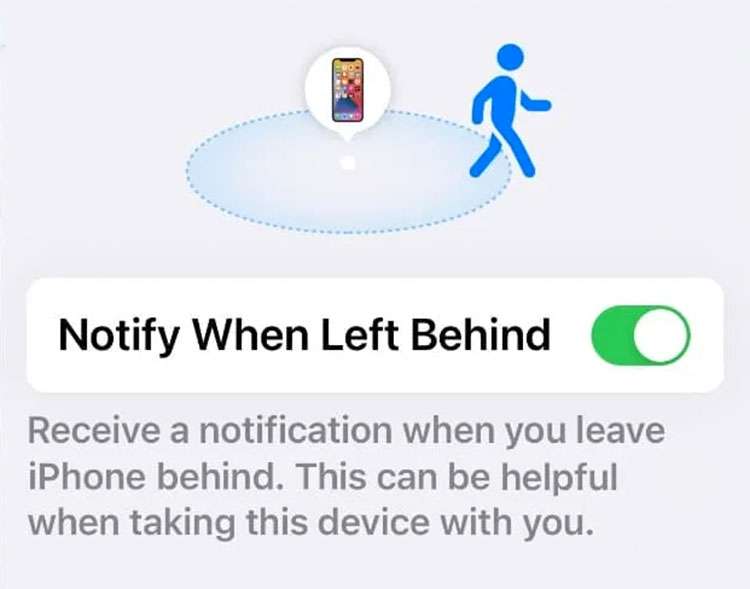
Notify when left behind

The Find My app can help locate any Apple device linked to iCloud. With iOS 15, the app gains a new feature that automatically warns you if a device gets left behind. Separation alerts can be set up for Mac, iPad, AirTag, and more.

Whenever your other hardware gets too far from the iPhone, iOS sends a notification. These alerts can also be set up directly on Apple Watch, iPad, and Macs running the latest version of macOS.

Follow these steps to activate separation alerts in Find My on iPhone:

Pages

Subscribe to RSS - Tips