Tips

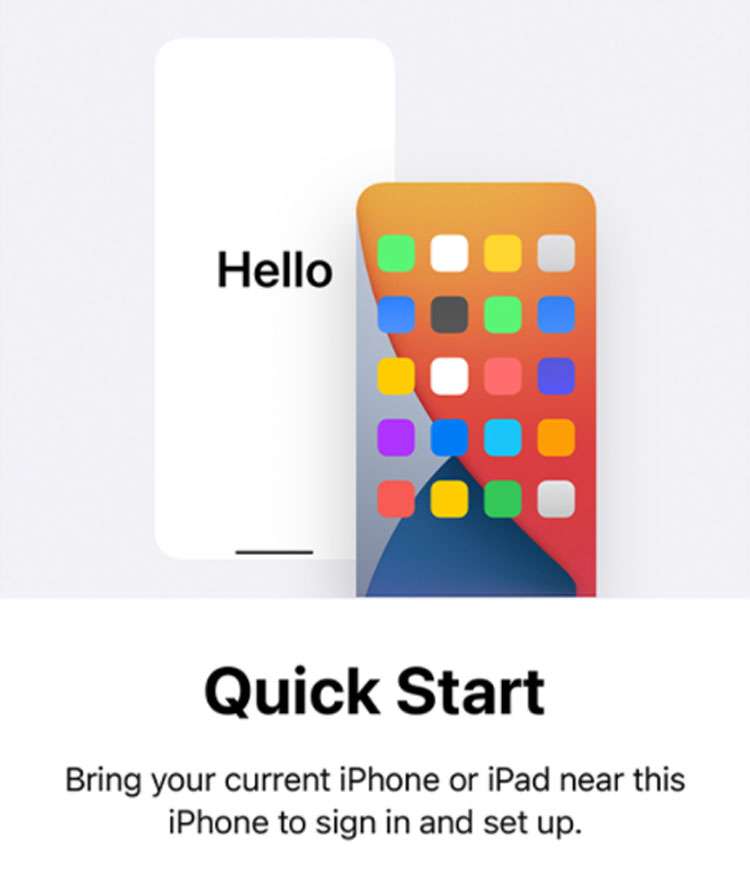
How to transfer iPhone data to a new iPhone with Quick Start

iPhone Quick Start wireless data transfer

Apple makes it possible to transfer all of your data from an older iPhone directly to a new device. The entire process takes place wirelessly with both iPhones in close proximity to each other. While data can be transferred using other methods, such as a computer backup, the Quick Start method is simplest. Note that some data or apps will be downloaded from iCloud or the App Store directly when using this process.

How to fix Verizon 5G not working on iPhone

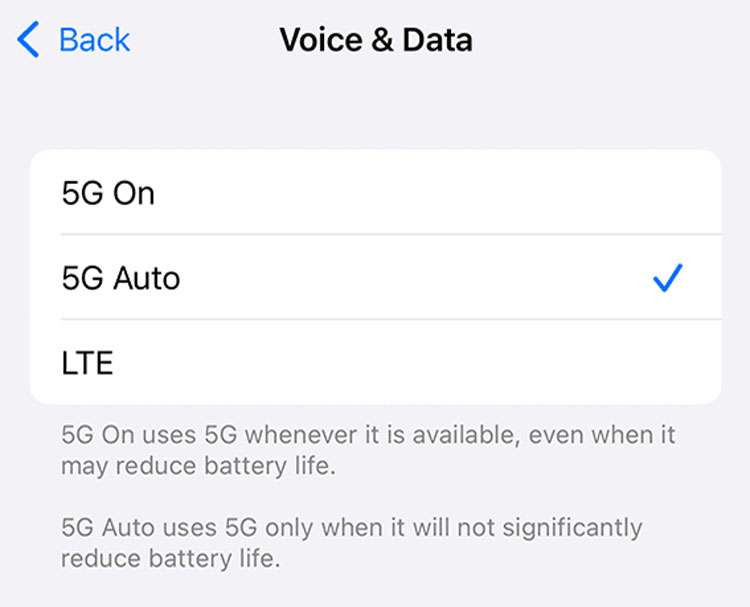
Voice and Data settings iPhone

Verizon offers the iPhone 13 with 5G wireless on their network. If you've purchased your iPhone directly from Verizon, you're probably not having 5G issues. Many Apple customers purchase their devices unlocked from Apple, or at other retailers. Some users have noticed that 5G connectivity is not working on Verizon with their new phones.

How to use iCloud Private Relay on iPhone

Apple iCloud Private Relay

Apple iCloud+ offers increased privacy while browsing with Safari on iPhone and iPad. Device owners can enable iCloud Private Relay at any time, as it comes packaged free with the purchase of iCloud storage. This means anyone with an iCloud storage subscription can easily hide their IP address and web traffic. Not only does iCloud Private Relay hide this information from your ISP and the sites you visit, but Apple can't even see your activity.

How to change your Safari background on iPhone

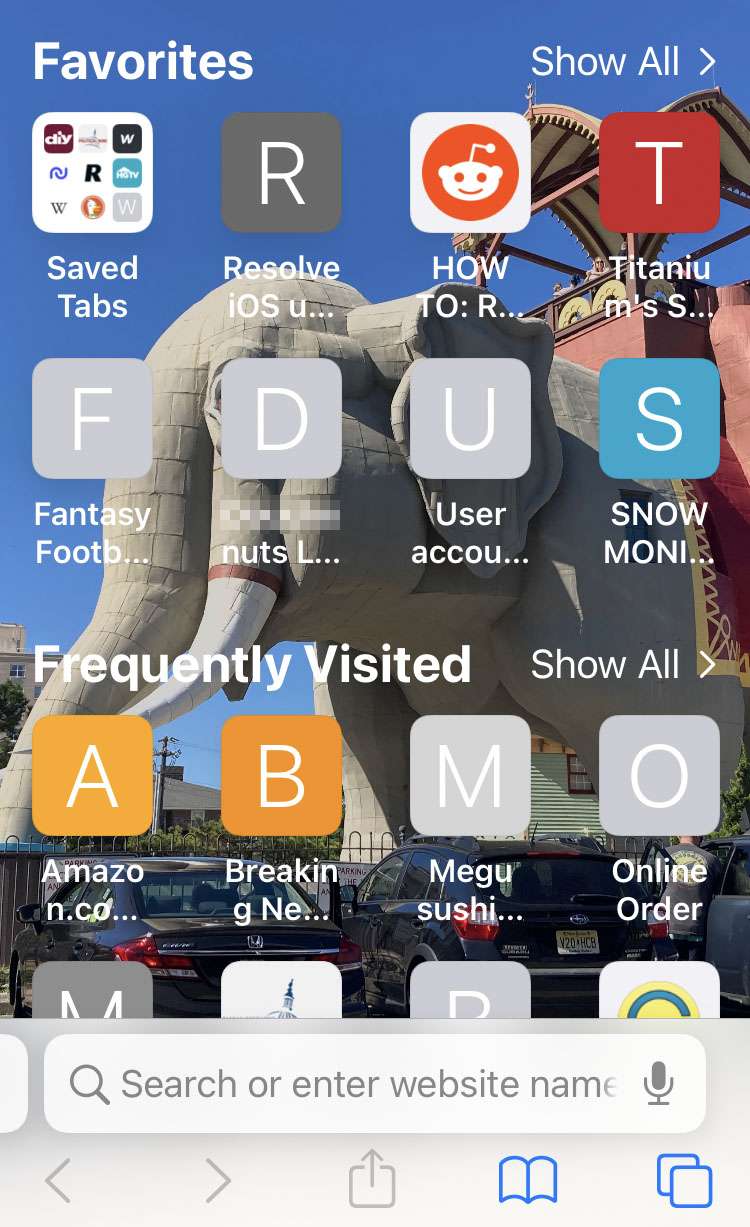
Safari custom background

Apple continues to add customization options to its mobile devices, from home screen widgets to font keyboards. Wallpaper backgrounds for the home and lock screens may be one of the earliest places where iOS allowed users to create a unique look. Now Safari offers the option for a custom background behind the new tab screen.

How to enter times with the keypad on iPhone

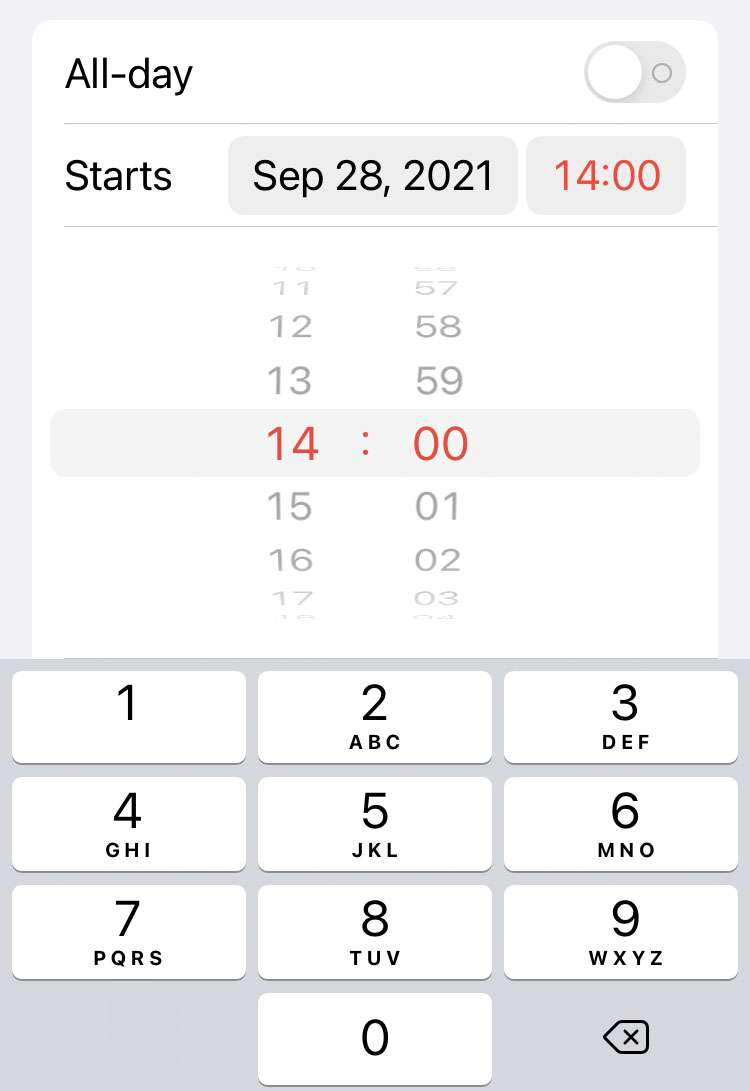
Calendar time picker numpad

Apple reinstated the classic dial picker in apps such as Calendar and Clock with the release of iOS 15. Many iPhone fans find the large dials easier to use, and don't miss the previous design. For those who prefer a shortcut, the ability to enter a time or date with the number pad has not gone away. The feature may be hidden, however there's a simple way to quickly bring up the keypad.

Pages

Subscribe to RSS - Tips